
Simplify Home Inspections with Online Scheduling

Scheduling a home inspection can sometimes feel like a hassle. You want to find a convenient time, get confirmation, and avoid back-and-forth phone calls. Luckily, technology has made this process much easier. Today, you can schedule home inspections online quickly and efficiently, saving you time and stress. Let me walk you through why this matters and how you can take advantage of it.
Why You Should Schedule Home Inspections Online
When I first bought a home, I remember juggling phone calls and emails just to book an inspection. It was frustrating and time-consuming. Now, with online scheduling, everything is at your fingertips. You can see available dates, pick a time that works for you, and get instant confirmation.
Here’s why online scheduling is a game-changer:
Convenience: No need to wait on hold or play phone tag. You can book anytime, day or night.
Transparency: You see all available slots and choose what fits your schedule.
Speed: Instant confirmation means no waiting for a callback.
Flexibility: Reschedule or cancel easily without awkward conversations.
Accuracy: Automated systems reduce human error in booking details.
For homeowners and homebuyers in Central Ohio, this means less hassle and more control over your home inspection process.

How to Schedule Home Inspections Online at Buckeye Inspection Services
If you’re ready to book your inspection, here’s a simple step-by-step guide to scheduling home inspections online:
Find a trusted home inspection service in your area. Look for companies with good reviews and clear service descriptions.
Visit their scheduling page. For example, you can use online appointment scheduling to book with Buckeye Inspection Services.
Select the type of inspection you need. Whether it’s a general home inspection, radon testing, or termite inspection, choose the right service.
Pick a date and time that fits your schedule. The system will show you all available slots.
Enter your contact information and any special instructions.
Confirm your appointment. You’ll usually get an email or text confirmation right away.
Prepare for the inspection day by reviewing any instructions or checklists provided.
This process is straightforward and designed to save you time. Plus, it helps you avoid scheduling conflicts and last-minute surprises.
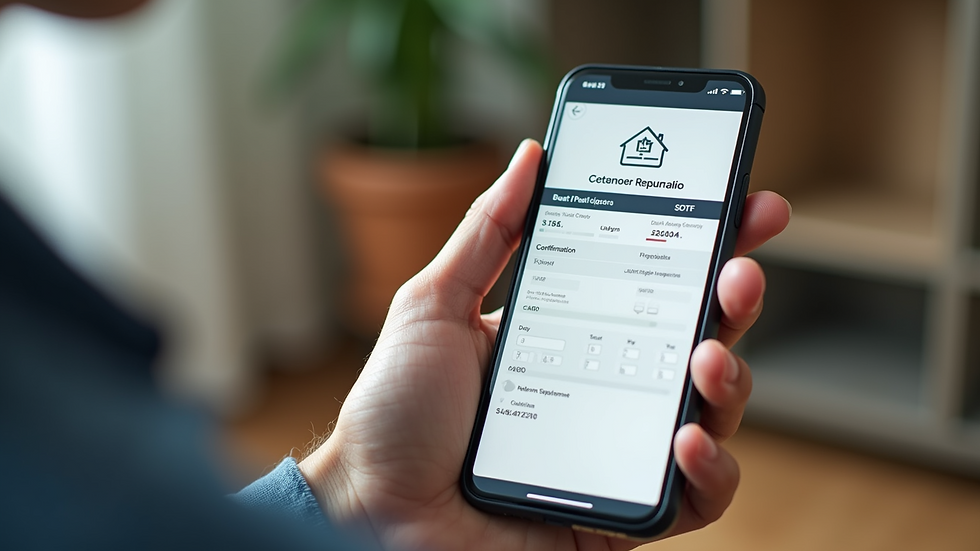
How to create online appointment scheduling?
If you’re a home inspection business owner or someone interested in setting up online scheduling, here’s how you can create an effective system:
Choose the right software: There are many scheduling platforms like Calendly, Acuity, or industry-specific tools. Pick one that integrates well with your website and offers customization.
Set your availability: Define your working hours, breaks, and blackout dates to avoid double bookings.
Customize booking options: Allow clients to select different types of inspections and add notes.
Automate reminders: Set up email or SMS reminders to reduce no-shows.
Integrate payment options: If you require deposits or full payments upfront, connect your payment gateway.
Test the system: Before going live, test the booking process from a client’s perspective.
Promote your scheduling link: Add it to your website, social media, and email signatures.
By implementing these steps, you can streamline your business operations and provide a better customer experience.

Tips for a Smooth Home Inspection Scheduling Experience
To make the most of online scheduling, keep these tips in mind:
Book early: Home inspections can fill up quickly, especially in busy seasons. Schedule as soon as you know your timeline.
Be clear about your needs: Specify if you want additional services like radon testing or mold inspection.
Prepare your home: Make sure the inspector can access all areas, including the attic, basement, and crawl spaces.
Keep your contact info updated: This ensures you receive all notifications and reminders.
Ask questions: If you’re unsure about the process or what to expect, don’t hesitate to reach out to the inspection company.
Following these tips will help your inspection go smoothly and give you peace of mind.
What to Expect After Scheduling Your Home Inspection
Once you’ve scheduled your home inspection online, here’s what typically happens next:
Confirmation: You’ll receive an email or text confirming your appointment details.
Reminder: A day or two before, expect a reminder with any last-minute instructions.
Inspection day: The inspector will arrive at the scheduled time, conduct a thorough examination, and answer your questions.
Report delivery: Usually within 24-48 hours, you’ll get a detailed report outlining the condition of the home.
Follow-up: If issues are found, you can discuss next steps with your inspector or contractor.
This streamlined process helps you stay informed and confident about your home purchase or maintenance.
Scheduling your home inspection online is a smart move that saves time and reduces stress. Whether you’re buying a new home or maintaining your current one, this simple step makes a big difference. Ready to book? Use online appointment scheduling and take control of your home inspection today!


Comments